How-To: Publish on DC864
by Jt3kt
TL;DR.
- How to run DC864 locally
- How to post content to DC864.org
Overview
Sharing is caring. So, following that I wanted to post up a how-to to help those interested in publishing content to DC864. We support all members to be able to voice their technilogical passions. New posts are screened to ensure they align with our Code of Conduct. This post is broken into two sections.
1) How to run DC864 Locally
This segment helps you get up and running with a local instance of the DC864 website to support local development. Make changes to existing posts, create new posts, maybe give the whole website a fresh new look if you’re so inclined ;).
2) How to submit your post to DC864
To submit your content to DC864 you’ll need to make use of Github. By forking our Website’s github repository you’re able to edit and update the website’s contents, publish the changes to your repo, and submit those changes when you’re ready to the DC864 repo to be reviewed and approved.
Running DC864 Locally
Running a local copy of the Defcon864’s website is a great method to test your article for functionality and presentation before submitting. This section goes through the software required to run Github Pages locally through Ruby/Jekyll and how you can access the local content.
Requirements
For running your own local copy of the DC864 website you’ll want to collect the latest versions of the listed software. A Github user account is not required to run the pages locally but is required for submitting posts to dc864.org.
Software Checklist:
- Git
- Ruby+Devkit
- Bundler
- Jekyll
- Code Editor - User Choice
Other Requirements:
- Github Account
Install Software
Ruby
Follow the Ruby install instructions as provided by ruby-lang.org. At the time of this article we are making use of Ruby+Devkit 2.6.5-1.
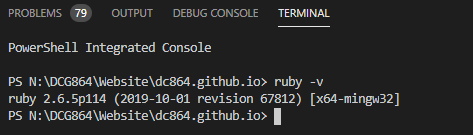
Confirm Ruby installation:
ruby -v
Bundler
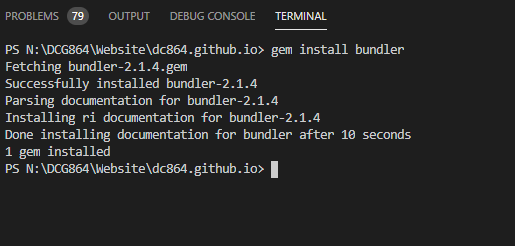
Bundler works to provide consistent environments for Ruby based projects. To learn more about Bundler check out bundler.io.
gem install bundler
Jekyll
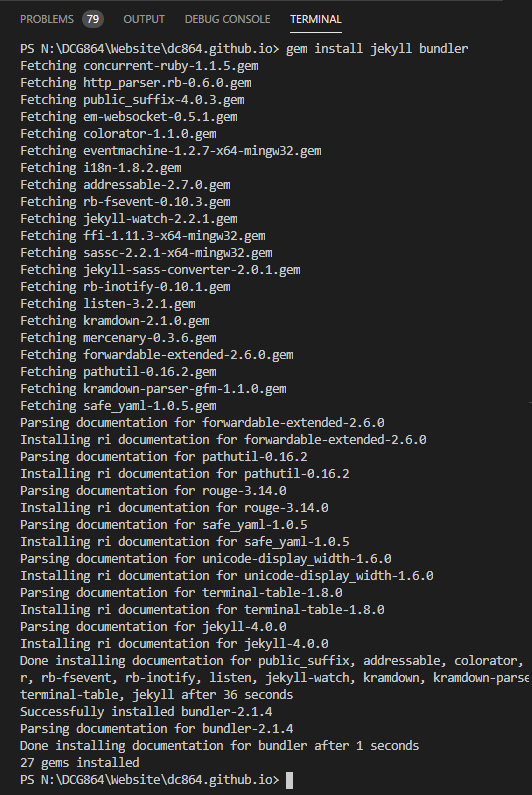
Jekyll is a static site generator that follows a simplistic approach to drive blog-based content. On a more specific note, GitHub Pages supports the use of Jekyll and its depedencies. This allows groups, like ours, to drive meaniningful and managable content while keeping overhead costs to a minimum. Some limitations do apply to GitHub’s implemented use of Jekyll. Details on these limitations are available here.
gem install jekyll bundler
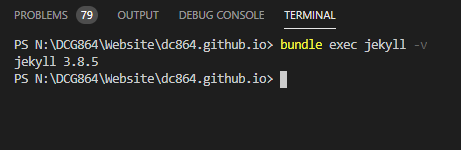
Verify Jekyll installation:
bundle exec jekyll -v
Retrieve DC864 Website
While this is demonstrating how to work off of the latest DC864 content, if you’ve followed the step Forking the Github Repo, just change out Jt3kt to your github User string.
cd <DirectoryOfChoice>
git clone https://github.com/Jt3kt/dc864.github.io
cd dc864.github.io
Create Supporting Files
For the local instance of dc864 you’ll want to establish these files to help support the local execution and subsiquent github updates.
Gemfile
Create a new file Gemfile in the dc864.github.io folder.
Path:./dc864.github.io/ File:Gemfile:
source "https://rubygems.org"

# Hello! This is where you manage which Jekyll version is used to run.
# When you want to use a different version, change it below, save the
# file and run `bundle install`. Run Jekyll with `bundle exec`, like so:
#
#     bundle exec jekyll serve
#
# This will help ensure the proper Jekyll version is running.
# Happy Jekylling!
# If you want to use GitHub Pages, remove the "gem "jekyll"" above and
# uncomment the line below. To upgrade, run `bundle update github-pages`.
gem "github-pages", group: :jekyll_plugins

# This is the default theme for new Jekyll sites. You may change this to anything you like.
gem "jekyll-theme-hacker"
.gitignore
Create a new .gitignore file to help keep local-only content local.
Path:./dc864.github.io/ File:.gitignore
/_site/*
/_drafts/*
Gemfile*
Execute Jekyll Locally
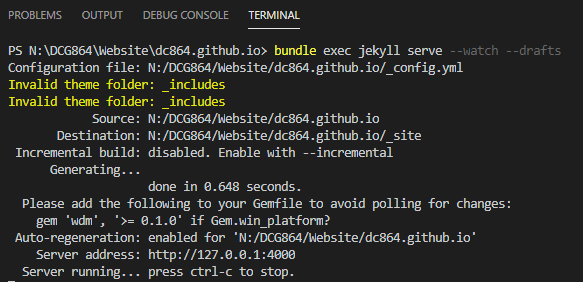
Now comes the fun part, running the website locally! We’re using two additional flags to help the development process.
| --watch | Monitors for local file changes and regenerates content based on those changes. |
| --drafts | Informs Jekyll to post the content from the _drafts folder. |
bundle exec jekyll serve --watch --drafts
Accessing Jekyll Locally
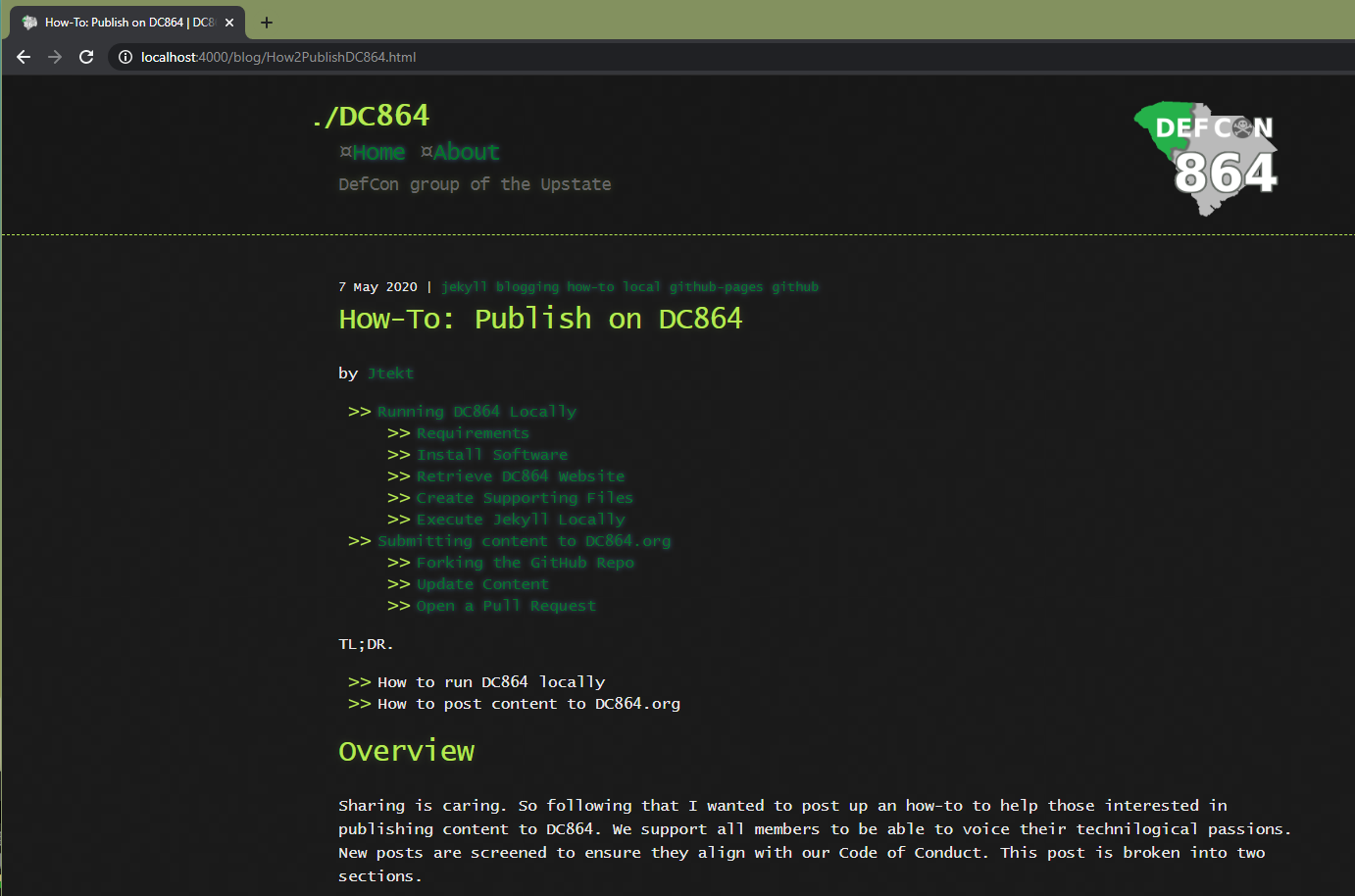
Open up your browser of choice and navigate to: http://localhost:4000
Submitting content to DC864.org
Contributing articles to the Defcon864 website is inherrently designed to support all members. Have something interesting to say? Read on!
Forking the GitHub Repo
The first step for publishing your own articles is to fork the GitHub repository and maintain a copy under your registered GitHub identity.
- Be logged into GitHub with your own account of choice
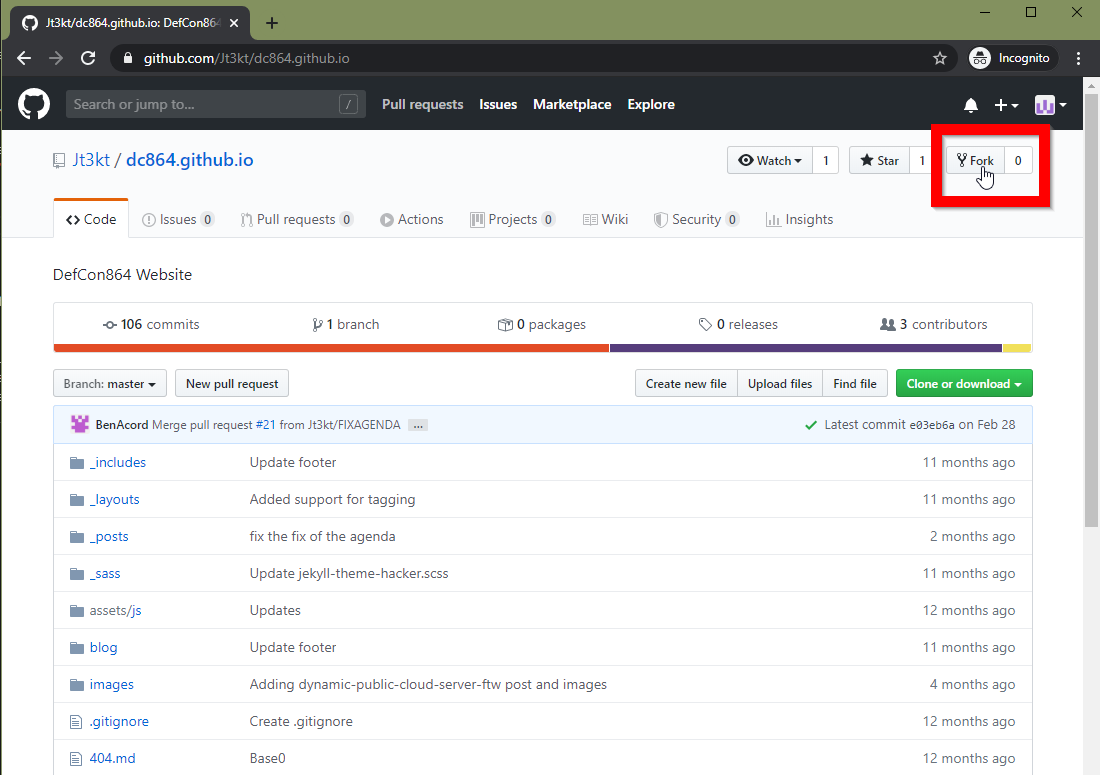
- Navigate to the DC864 Github page available here.
- Select Fork
Update Content
Here is where you can create and design articles to your liking within your forked code repository. Follow the steps outlined under Running DC864 Locally to aid in writing and testing the presentation of your article.
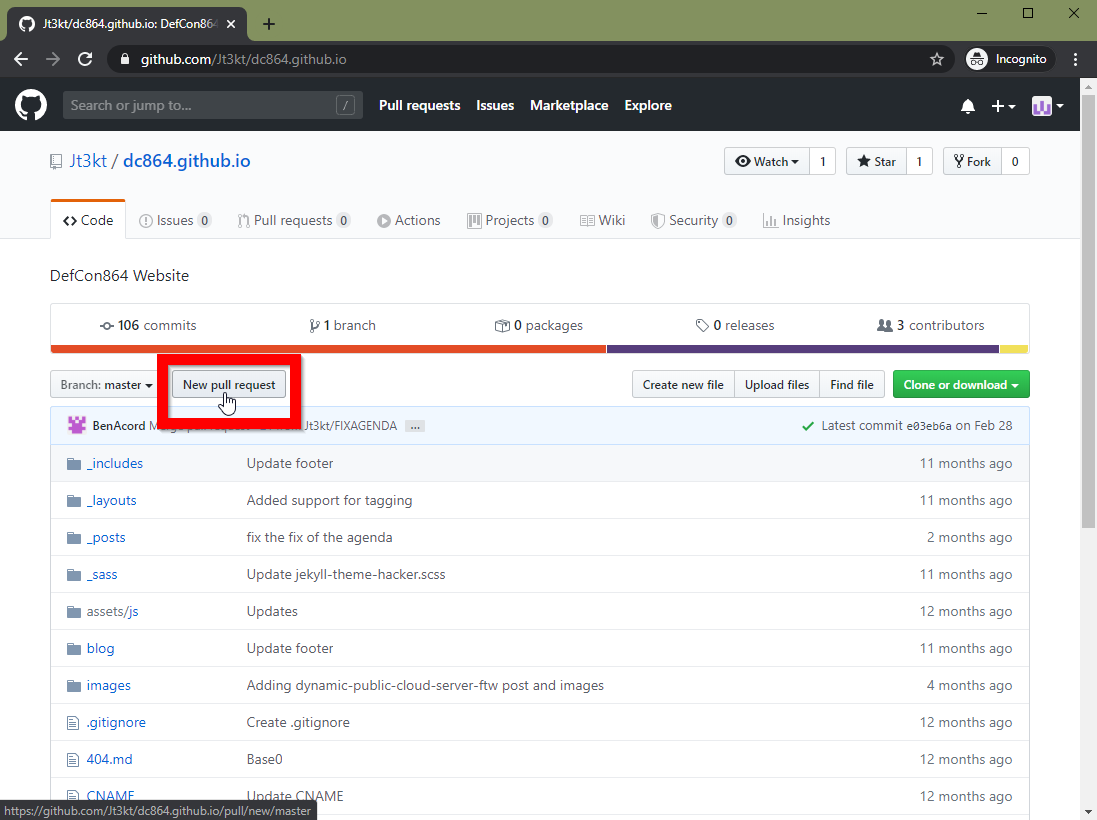
Open a Pull Request
The Pull Request is the mechanism that drives the only authorization needed to have content posted on the DC864 website. One of the content administrators will be able to review the content submission and provide feedback directly associated to the pull request if any changes are required. Once the pull request has been approved your article will be live!
Fin
With that you have all the tools needed to craft your own content and contribute to our community of hackers, makers, and overall awesome people.
~Jt3kt